
SuiteApp · Lexicon
A report catalog with owners and definitions
Lexicon turns the pile of saved searches and one-off reports your teams have accumulated into a governed catalog: owned, described in plain English, permission-scoped and auditable.
It reads what you already have, points out the duplicates and the definitions that have drifted, and puts the reports people actually use one click from the NetSuite home page.
Lexicon is patent-pending technology developed by YTBE, Inc.
Why Lexicon
What a report catalog adds.
The problem it solves A chat answer is gone the moment the window closes. A cataloged report is owned, permissioned and auditable.
Lexicon stores each report with its owner, permission group, audit trail, health status and schedule, so it is still there to review next quarter.
Product demos
See it running
Each demo plays when you scroll to it. Pause it, step through it, or open it fullscreen.
One catalog everybody trusts
Reports grouped by team, described in plain English, and marked when they are the one to trust.
Getting everything into the catalog
Lexicon reads the reports you already have, points out the duplicates and the ones whose meaning has drifted, then goes looking for everything that was never catalogued at all.
Your reports, on the dashboard you already use
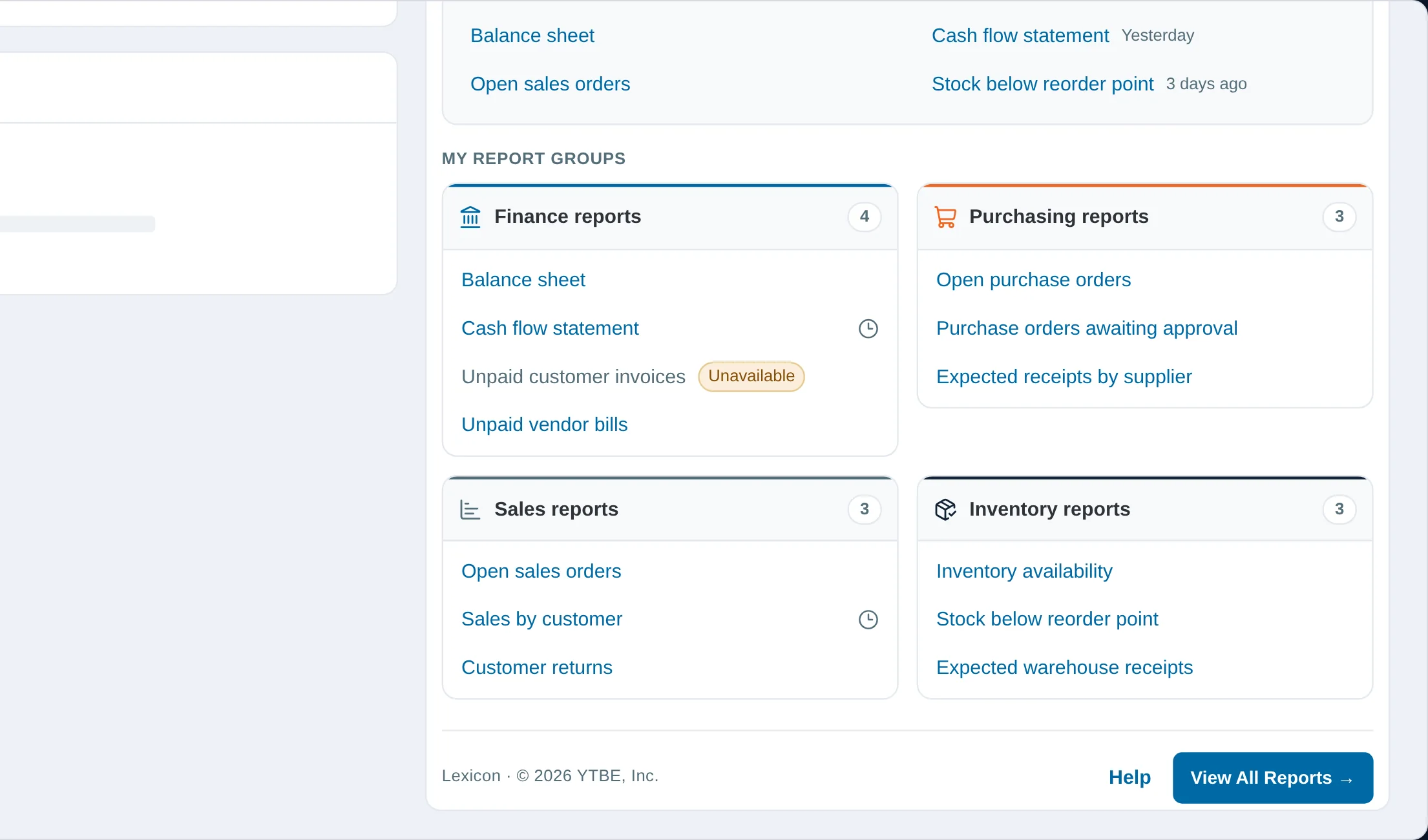
The portlet puts your favorites, your recent reports and every report group you can open one click from the NetSuite home page.
Lexicon questions
The things people ask before the first call.
Do I have to re-create my existing reports?
No. Lexicon reads the reports and saved searches already in your account and brings them into the catalog, flagging the duplicates and the ones whose meaning has drifted along the way.
Who decides which report is canonical?
Administrators and department heads. Administrators control who holds that capability, so a department head can certify the reports their own team lives on without being able to overrule anyone else's. The catalog records the decision and who made it.
How do people actually find reports?
Grouped by team in the catalog, and through a dashboard portlet that puts your favorites, your recent reports and every report group you can open one click from the NetSuite home page.
What is a health status?
An empirical check on whether a report can still run: healthy, warning (it runs but returns nothing, or has had columns stripped), or failing. Where it could not be tested at all, it is marked advisory rather than failed.
More SuiteApps
Each SuiteApp works on its own. Use one, or several.
See Lexicon on Your Own Data
Let's walk through what this looks like against your NetSuite account.